


The hub that keeps the automotive chain moving worldwide.
More than 300,000 EDI transactions a month between automakers, systems suppliers and auto parts manufacturers, in Brazil and abroad. Every format, every protocol, with specialist technical support.
Any EDI, not just automotive.
MGR's specialty was born in the automotive chain, but the hub handles EDI for any industry — and it also serves the spare parts (aftermarket) chain, with the same formats, protocols and support.
Visible supply chain, without the bullwhip effect.
MGR helps your company comply with automotive standards such as MMoG when it comes to supply chain visibility, minimising intermediate inventory.
EDI runs on our infrastructure, not yours.
A highly reliable, redundant environment with network interconnections to players worldwide. Your company spends nothing on equipment, VPN or communication infrastructure.
Services
Four products, a single specialty: automotive EDI.

Monday to Friday, 08:00 to 18:10, with people who know the message, the protocol and the automaker on the other side.
EDI sent and received anywhere in the world, in EDIFACT, X.12, VDA, RND and other layouts.
JIT and sequenced (JIS) call-offs and milk run: MGR receives the OEM call-off, delivers at the pace of the line and prints the rack label.
Technology
Any format, any protocol.
MGR maintains network interconnections with players worldwide and direct connections to automakers and systems suppliers outside Brazil. Your company does not need to set up a VPN or handle one protocol at a time.
Assess my integrationDelivery schedule comparison
Today's schedule set against yesterday's.
Every delivery schedule received from the automaker is set against the previous revision, part by part and period by period. The variation shows up before it turns into an emergency — and the raw material request and the production plan start working from the trend, not from a single day's figure.
See the comparison in practiceFirm and forecast figures from the new message side by side with the previous schedule, on one screen.
Increases, cuts, pulled-in and pushed-out dates stand out; whatever did not change stays out of the way.
The trend for the coming weeks backs the purchase of inputs and the batch size, with no buffer stock kept just in case.
The automaker's swings do not reach Tier 2 amplified: purchasing, production and shipping all look at the same figure.
Shipment verification
One scan at the dock. No surprises at the automaker.
Electronic Shipment Verification scans every box with a barcode collector and checks the production label against the shipping label. Any discrepancy shows up at your dock. The invoice is checked against the pre-shipment in MGRNET, and the advance shipping notice (ASN) only goes to the automaker after verification.

Electronic Shipment Verification
How to make sure what leaves on the truck is exactly what the automaker receives via EDI.
Every shipment leaves twice
Physical
The boxes, on the truck, headed for the automaker.
Electronic
The ASN: the shipping notice the automaker receives via EDI.
Wrong part
Wrong quantity
Box too many or missing
Six terms you will see along the way
Production label
Applied to the box when the part is produced. Identifies what is in the box.
Material requirement
What must be shipped, according to the automaker's schedule.
Pre-shipment
The list of what goes in each shipment, generated in MGRNET from the invoice.
Shipping label
Printed from the pre-shipment, in the automaker's format. May show the invoice number.
Invoice
The tax document for the shipment, issued by your invoicing system.
ASN
The electronic shipping notice. Tells the automaker, via EDI, what is on its way.
The process in eight steps
Every box starts out labeled
- 1The production line packs the parts into boxes.
- 2Each box gets the production label, with a barcode that identifies its contents.
- 3The identified boxes go to the storage area and wait for shipment.
Pick exactly what was ordered
B · 1 box
C · 1 box
- 1The material requirement is printed: what must be shipped, per the automaker's schedule.
- 2In stock, the operator locates the boxes for each ordered item.
- 3The picked boxes move to the shipping area.
With the material picked, the invoice is issued
- 1With the material picked, your invoicing system issues the invoice.
- 2The invoice comes before the pre-shipment: the shipment is built from it.
The pre-shipment is generated from the invoice
- 1The invoice goes through MGRNET for the first time, and the pre-shipment is generated from it: items and quantities come from the invoice.
- 2The invoice is held in MGRNET. The ASN is not sent yet.
- 3The pre-shipment is the basis for the shipping labels.
Each box gets its shipping label
- 1From the pre-shipment, the shipping label is printed in the format each automaker requires and applied to each box.
- 2Since the invoice already exists, the label can show the invoice number when the automaker asks.
- 3Each box now has two labels: production and shipping. The scan will compare the two.
Does each box hold what its shipping label says?
- 1With the collector, the operator scans both labels on each box: production and shipping.
- 2Item and quantity must match. If not, the collector alerts at once and the box is replaced.
- 3Every box in the shipment must be scanned. Once the scan is closed, the shipment is verified in MGRNET.
Scan closed: invoice passes again, releases the ASN
- 1When the scan closes, the held invoice goes through MGRNET a second time.
- 2MGRNET confirms the shipment was scanned and, per the automaker's settings, checks the invoice items and quantities against the shipment.
- 3All clear, the ASN is released to the automaker.
Physical and electronic leave together, and match
- 1The ASN goes to the automaker via EDI, already verified.
- 2The truck carries exactly the boxes that were scanned.
- 3The automaker receives the notice and the load, and they match.
What changes in your shipping
Errors show up at your dock
Not at the automaker, when it is too late to fix. The wrong box is replaced before the shipment leaves.
The ASN only leaves verified
The ASN waits for the scan to close and the invoice to pass through MGRNET again. What the automaker gets via EDI is what is on the truck.
Scanning, not visual checks
The collector compares the production label with the shipping label, box by box, without relying on the checker's eye.
Every verification is recorded
The result of each scan is stored in MGRNET and can be checked later.
One scan at the dock.
No surprises at the automaker.
Electronic Shipment Verification, by MGR e-Technologies. MGR processes over 300 thousand EDI transactions a month for the automotive chain.
Electronic Shipment Verification
The presentation plays on its own. Click it or use the arrow keys to navigate; the ▶❚ button pauses and resumes.
Electronic Shipment Verification
The shipment is built in the system, verified by scanning, and only then invoiced.
Every shipment leaves twice
Physical
The boxes, on the truck, headed for the automaker.
Electronic
The ASN: the shipping notice the automaker receives via EDI.
In this variant, the invoice is issued only after verification
First, what was picked is verified. Only the approved load is invoiced, and the invoice is still compared with the shipment before the ASN goes out.
Six terms you will see along the way
Pre-shipment
The list of what goes in the shipment, built by the supplier on a shipment screen.
Shipping label
Printed from the pre-shipment, in the automaker's format, and applied to each box.
Collector
Scans both labels on each box, production and shipping, and checks that they match.
Invoice
The tax document for the shipment, issued by your invoicing system.
ASN
The electronic shipping notice. Tells the automaker what is on its way.
Production label
Applied to the box when the part is produced. Identifies what is in the box.
The process in six steps
The supplier builds the shipment in the system
- 1The supplier builds the shipment on a shipment screen, like the WebApp one: items, quantities and boxes.
- 2The matching material is physically picked to the shipping area.
Each box gets its shipping label
saved
- 1The shipping labels are printed from the pre-shipment, in the automaker's format, and applied one per box, next to the production label.
- 2The label does not show the invoice number: the invoice is only issued after verification.
Every box checks out, and all are there?
- 1With the collector, the operator scans both labels on each box: production and shipping. Item and quantity must match.
- 2Every box in the pre-shipment must be scanned. Anything missing or extra shows up at once.
- 3Once the discrepancy is fixed, the scan closes and the shipment is verified in MGRNET.
Approved, the shipment is invoiced
- 1With verification approved, your invoicing system issues the invoice.
- 2The invoice is born from the verified load: what was invoiced is what was scanned.
In MGRNET, does the invoice match the shipment?
- 1Once the invoice is issued, its XML reaches MGRNET, which compares it with the shipment: items and quantities.
- 2There is no new scan of the boxes. The comparison is between the invoice and the verified shipment.
- 3If everything matches, the ASN can be released automatically to the automaker.
Physical and electronic leave together, and match
- 1The ASN goes to the automaker via EDI, already verified.
- 2The truck carries the boxes that were scanned, with the invoice that was compared.
- 3At the automaker, notice, invoice and load say the same thing.
Depends on the automaker's label requirements
The automaker does not require the invoice number on the label
The label can be printed before the invoice exists. So you can verify first and invoice later.
The automaker requires the invoice number on the label
The label can only be printed after the invoice is issued. The order of steps changes, and so does the process.
What changes in your shipping
Only what was verified is invoiced
The invoice is issued for a load already approved by scanning. Picking errors show up before the invoice, not after.
ASN released automatically
When the invoice matches the pre-shipment, the ASN can go to the automaker without manual intervention.
Scanning, not visual checks
The collector compares the production label with the shipping label, box by box, without relying on the checker's eye.
Every verification is recorded
The result of each scan is stored in MGRNET and can be checked later.
Verify first.
Invoice later.
Electronic Shipment Verification, by MGR e-Technologies. MGR processes over 300 thousand EDI transactions a month for the automotive chain.
Electronic Shipment Verification
The presentation plays on its own. Click it or use the arrow keys to navigate; the ▶❚ button pauses and resumes.
Advantages
What changes day to day for those who run EDI with MGR.
The routine fits in a handful of screens: the logistics team checks firm schedules, forecasts, despatch advice and labels without depending on IT every time a layout changes.
Personal support focused on each customer's needs — whoever answers already knows which automaker, which message and which protocol are involved.
New connections go live quickly, and when an automaker publishes a layout revision MGR updates the hub and certifies it before the change can stop your shipping.
Continuous tracking of automakers' EDI revisions, in EDIFACT, X.12, VDA, RND and proprietary layouts, logistics labels included.

Our platform uses Google Cloud infrastructure services.
JIT, JIS and milk run handled as routine: the OEM call-off becomes material requirement, assembly sequence and rack label within the delivery window, with no intermediate stock.
The message reaches your system in the format it understands, with no re-keying and no spreadsheet in between, over the protocol each partner requires.
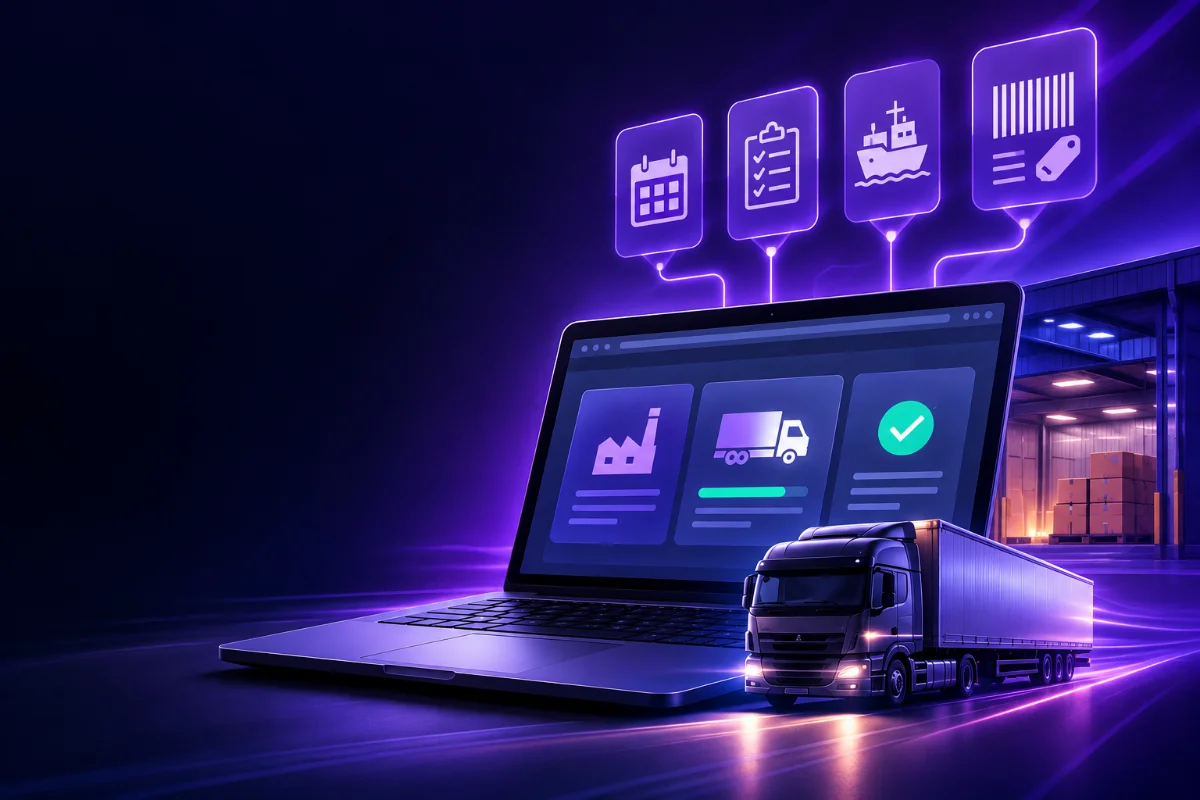
The information arrives before the truck.
Firm schedules, forecasts, despatch advice, logistics labels and checking travelling between the automaker and your ERP, in each partner's format and protocol.
Request a proposalCompany
Doing EDI before the internet went commercial.
MGR was born in 1989 out of a need of its time: the electronic exchange of data between vehicle automakers and auto parts manufacturers. Software and networks were scarce, and the only data network covering Brazil was Embratel's RENPAC.
Much has changed since then. MGR has kept ahead of those changes and still bets on technology that is secure and attractive in cost, with customer service as the deciding criterion.
Founded to connect automakers and auto parts manufacturers by EDI over Embratel's RENPAC network.
The internet arrives commercially: migration from VAN to a secure operation on an open network.
Our own cloud hub, with more than 300,000 transactions a month and connections to players worldwide.
Describe the scenario. We return the technical and commercial solution.
Service and support (11) 2065.1744 / 3995.6070 — option 2. Monday to Friday, 08:00 to 18:10.
Avenida Paulista, 726 - 13º andar, Conjunto 1303 - Bela Vista, São Paulo - SP, CEP 01310-100- Prefer email? Write to comercial@mgr.com.br
- Follow MGR on LinkedIn